

- Post views
- 27,702

Canva Video 2.0
Scene breakdown
5 scenes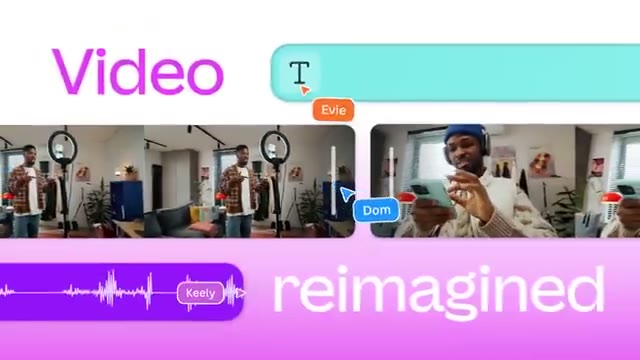
Move from a recording setup to the timeline
A creator faces a ring light. The same footage becomes a track under large type, making the editor feel like the next step after filming.
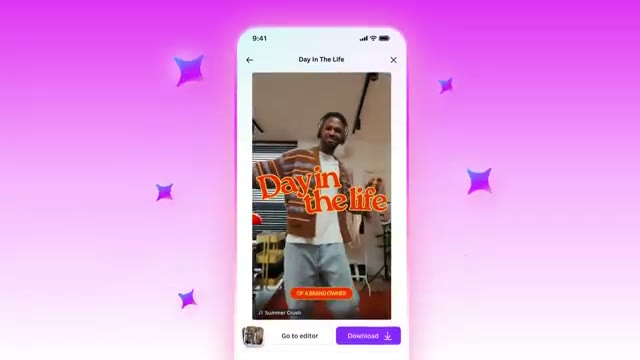
Make the first cut on a phone
A compact prompt takes a handful of clips. A progress message gives way to a vertical preview, then several different phone edits fan out.
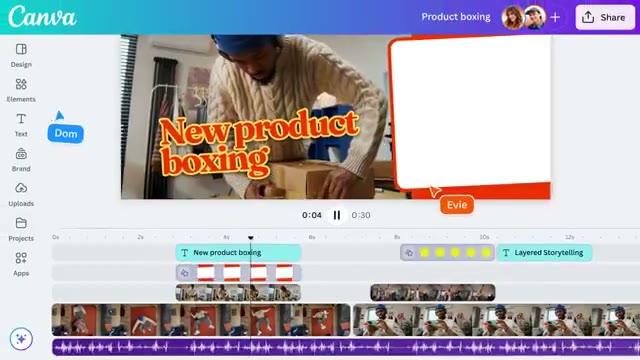
Open the edit on a full timeline
The camera moves close to the text and waveform tracks. A wider view shows captions on the original footage and a separate clip beside it.
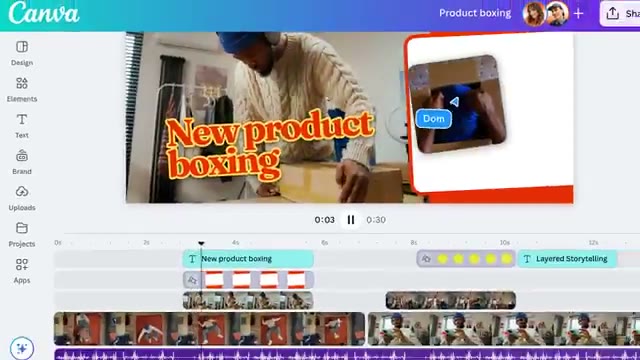
Generate a missing shot
The editor types a product-unboxing prompt in the Elements panel. The sequence returns to the timeline to show the resulting clip in context.
End on the export promise
The edit gives way to sharing icons and a watermark-free claim. The gradient settles behind the Canva Video name.
About the film
A creator’s raw clips become a phone-ready cut. Canva starts on the mobile workflow, then opens the desktop timeline to show what the creator can change.
Use this film in a briefFilm details
- Published
- October 30, 2025
- Running time
- 0:35
- Format
- Launch film
- Industry
- Design software
Sound
- Music
- Track A rhythmic music bed connects the short vertical previews to the longer desktop timeline demonstration.


