

- Post views
- 2,814,486

Introducing Canva Brush
Scene breakdown
5 scenes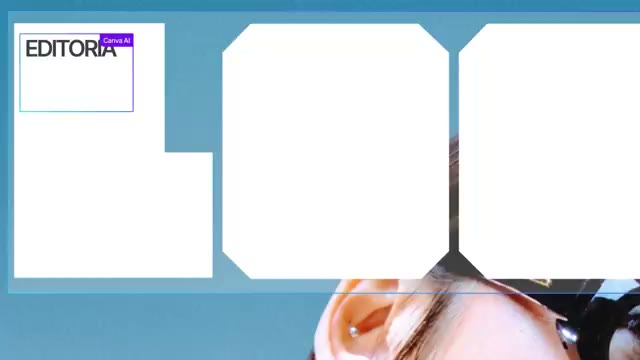
Put the presenter beside finished work
A presenter addresses the camera. A quick series of designed pages and close crops follows before the Brush name appears.
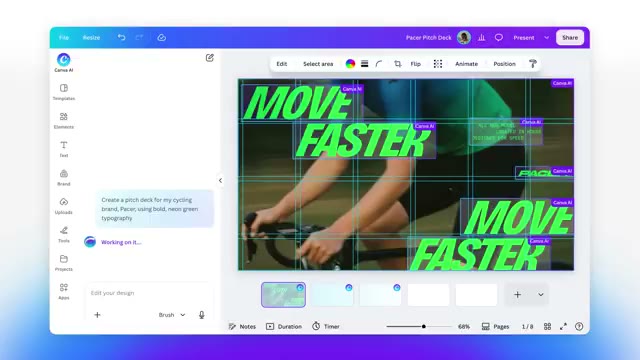
Place the model inside the editor
A gradient title leads to a design canvas. The graphic stays editable while the film moves to side-by-side performance bars.
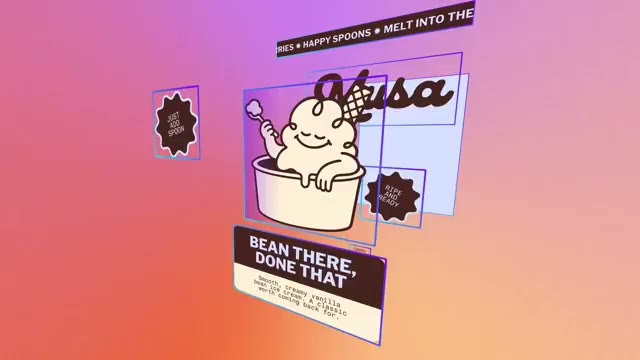
Use posters to explain the training material
A field of layouts replaces the bar charts. A single illustrated coffee poster moves forward so its type and image layers can be read separately.
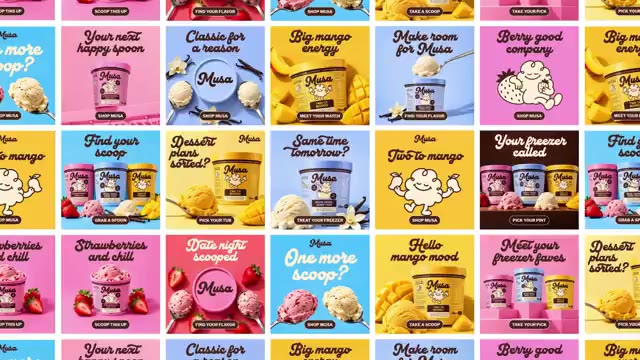
Make one brief produce a family of ads
The film cuts from the prompt to the generated design, then fills the screen with variations. A single pink ice-cream ad returns to the editor.

Hand the ending back to the presenter
The presenter returns to the same room as the opening. A short release teaser and the Canva Research signature finish the film.
About the film
Canva pairs its research presenter with editable artwork. A single ice-cream campaign gives the model’s layout and restyling claims a visible test.
Use this film in a briefFilm details
- Published
- October 29, 2026
- Running time
- 0:57
- Format
- Launch film
- Industry
- Design software
Sound
- Music
- Track The presenter’s spoken explanation continues over the design examples. Music supports the transitions into the model reveal and closing cards.


