

- Post views
- 494,237

Meet Dia
Scene breakdown
4 scenes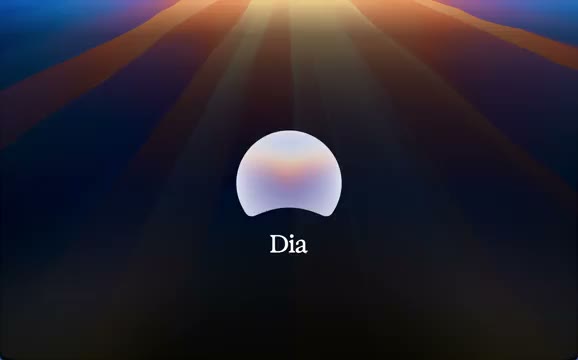
Let the light become the icon
Orange rays fill a blue field. The screen dims and a white sphere rises into the Dia icon with the product name beneath it.
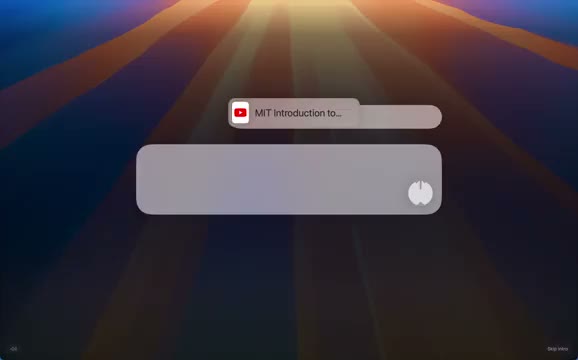
Replace the icon with a chat field
A rounded input appears in the same central position. Message bubbles gather above it and a tab reference slides into the prompt.
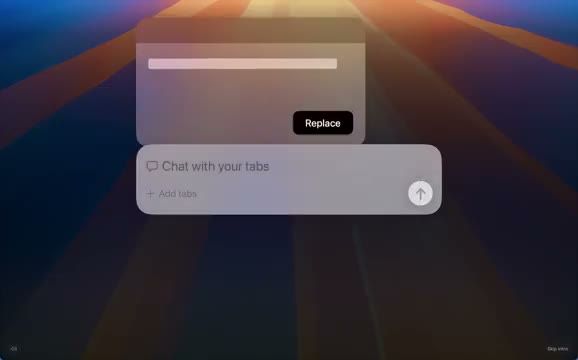
Bring other tabs into the conversation
Multiple tab chips line up in the field. Responses expand above it, followed by a writing prompt and a preview the viewer can act on.
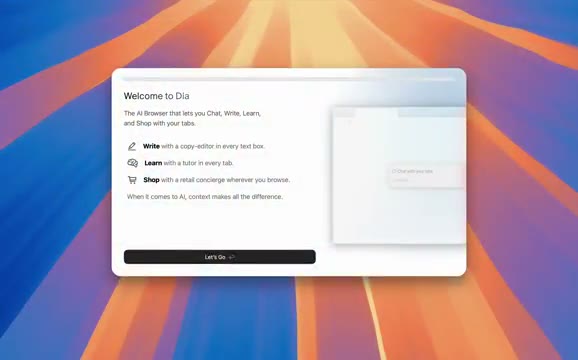
Land on the welcome screen
The colored rays return behind a desktop welcome window. Its button invites the viewer to start using Dia, landing the film on the first step of onboarding.
About the film
The Browser Company introduces Dia with a glowing sphere. A floating chat field then demonstrates how questions, tabs and drafted replies fit into the browser.
Use this scene in a briefFilm details
- Published
- June 11, 2025
- Running time
- 0:24
- Format
- Launch film
- Industry
- Web browsers
Sound
- Music
- Track Rounded synth notes open the film. The music falls to near-silence around 0:09 and returns briefly at 0:21.
- Sound design
- Soft popping cues at 0:12, 0:16 and just before 0:20 are isolated by short silences. Each one has room to decay.
Voiceover
- The chat field and typed responses carry the reveal without a spoken explanation.


