


- Post views
- 24,867

Slack AI
Scene breakdown
5 scenes
Announce AI inside Slack’s own shapes
A purple field fills with rounded pieces in Slack colors. A white capsule carries the announcement before the edit cuts into the workspace.

Ask the question in the search field
On cyan, the cursor enters a question and the page returns an answer. The surrounding Slack sidebar stays visible so viewers can place the result.
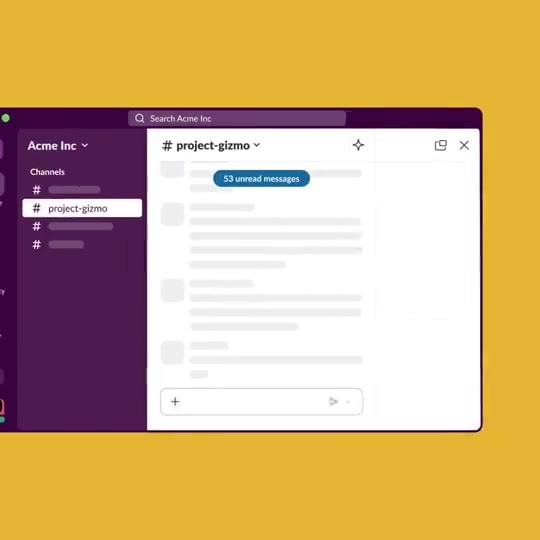
Reduce a long thread to a summary
The background turns yellow. A conversation and its side panel give way to a shorter block of text without changing the workspace around it.

Choose what goes in the daily recap
Pink introduces a channel picker. The cursor selects channels, returns to the sidebar and opens the resulting recap to show what the setting changed.

Resolve the workspace into the wordmark
The busy workspace clears back to purple. Colored pieces assemble into the Slack name and its Salesforce signature.
About the film
Three background colors divide Slack’s launch into separate tasks. A search question, a thread summary and a personalized daily recap each get their own turn inside the actual workspace.
Use this scene in a briefFilm details
- Published
- April 18, 2024
- Running time
- 0:50
- Format
- Launch film
- Industry
- Productivity
Sound
- Music
- Track Music connects the three color-coded demonstrations. Headings outside the workspace provide the explanation while the cursor shows the action inside it.


