

- Post views
- 14,148,819

Introducing ChatGPT Atlas
Scene breakdown
6 scenes
A browser arrives in the dock
A row of familiar app icons sets the context. The new icon gets a title card, then the film opens a clean browser window.
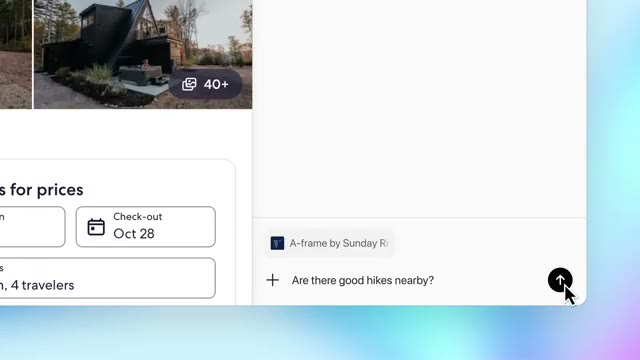
Ask about the page beside you
A travel page opens and the right-hand chat panel slides in. Property details and ticket fine print stay visible beside the answers they support.
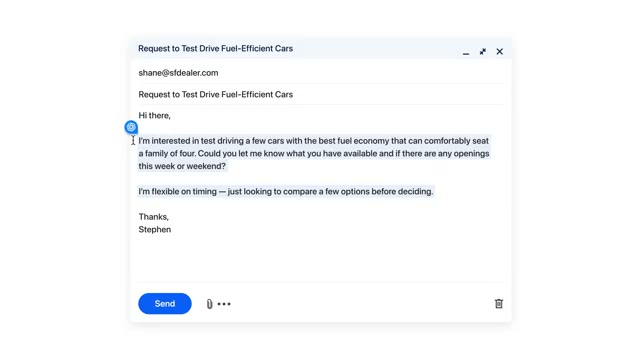
Assist inside a draft
A short title interrupts the travel example. Selected text in an email becomes the starting point for an inline writing assist.
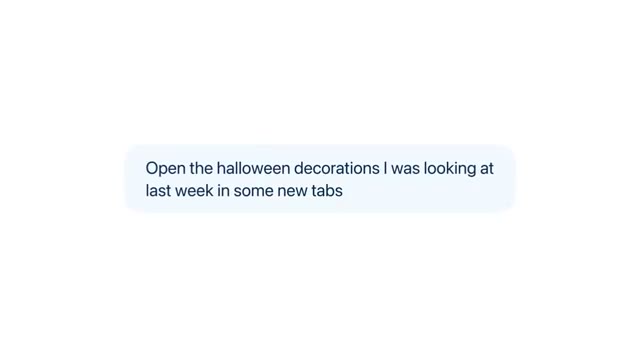
Reopen yesterday’s search
A prompt refers to Halloween decorations viewed last week. Browser tabs reappear, making the meaning of browsing history visible.
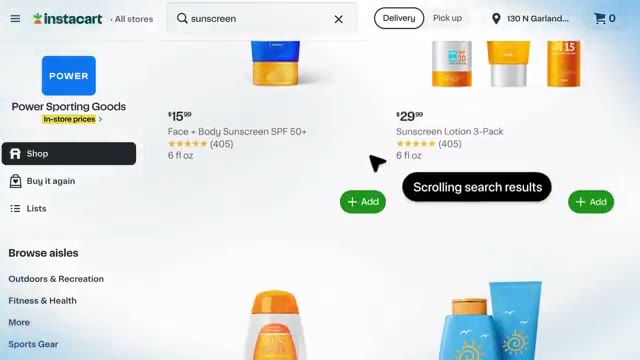
Build a beach-shopping cart
The assistant receives a shopping list, searches the store and adds items. It stops with a checkout button in view and asks whether to complete the order.
Name the benefit and offer the download
The shopping UI clears. A short benefit line, the Atlas icon and the download address appear in succession. The final frame holds the URL.
About the film
OpenAI starts in the Mac dock and ends with a shopping cart ready for review. Between those points, Atlas moves from answering questions about a page to doing work across the browser.
Use this scene in a briefFilm details
- Published
- October 21, 2025
- Running time
- 1:37
- Format
- Product launch
- Industry
- Artificial intelligence
Sound
- Music
- Track Bright, pitched synth notes and light percussion run beneath the browser demo. The keyboard comes forward again for the closing cards.
- Cut timing Short white title cards divide a long browser demo into separate tasks. The edit gives each reply or completed action time to register.
- Sound design
- A sweeping electronic sound marks the change into action mode around the one-minute mark.
Voiceover
- The feature headings and prompts are written into the film. The chat bubbles let the viewer read both sides of each demonstration.


