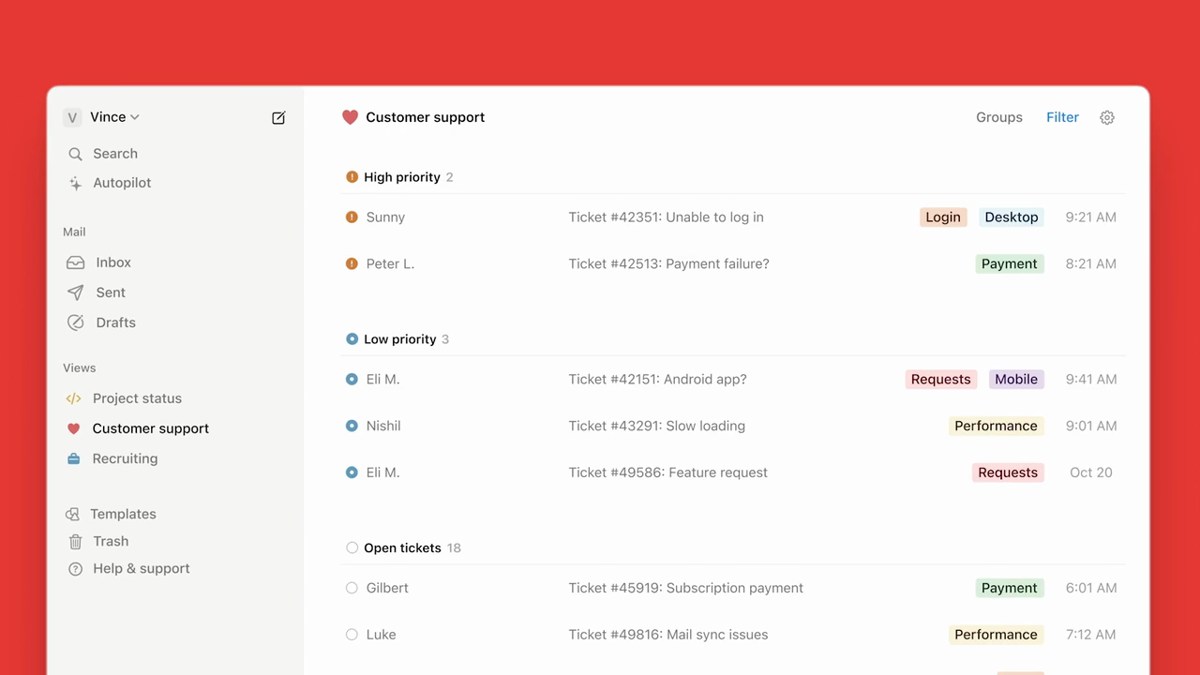

- Post views
- 1,020,457

Introducing Notion Sites
Scene breakdown
4 scenes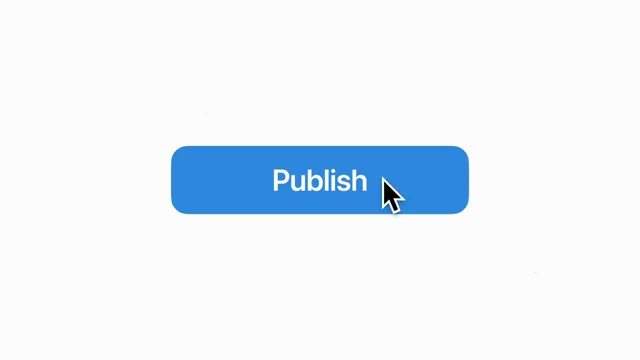
Open on the button people already know
A single blue Publish button sits on white. The cursor lands on it, cutting straight to the product name.
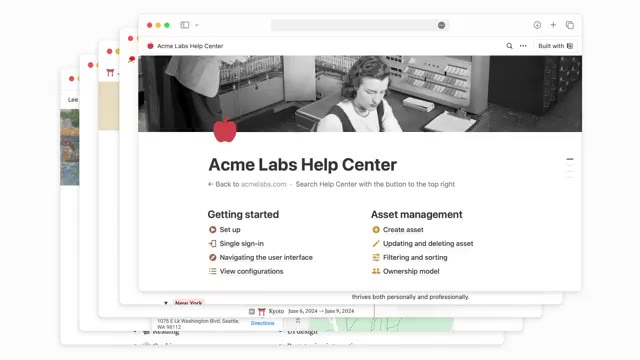
Show what can be published
A personal page, a careers page and a help center pass through the same browser frame. The range of examples takes only three seconds.
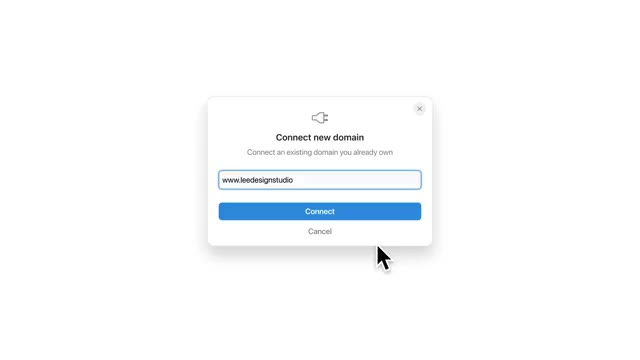
Give the site its own address and icon
The domain card leads directly to the connection dialog. The next card introduces customization, followed by publish settings and a favicon picker.
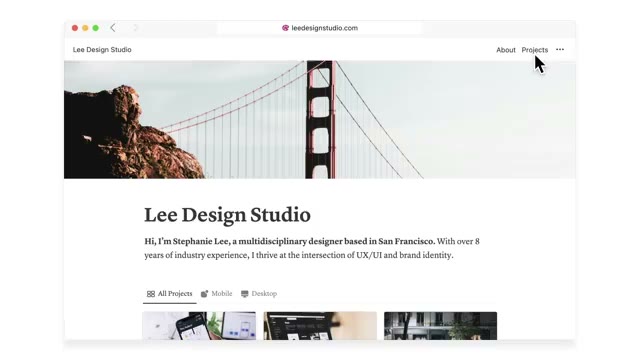
Publish the studio site
A brief instruction leads to the studio page in edit mode. Its settings disappear and the full site holds before the Notion mark.
About the film
A blue Publish button opens a twenty-second walkthrough. Notion gives each setting its own title card, then shows the finished site at full size.
Use this scene in a briefFilm details
- Published
- June 25, 2024
- Running time
- 0:20
- Format
- Launch film
- Industry
- Productivity
Sound
- Music
- Track A light electronic instrumental keeps the same beat beneath the cursor moves and title cards.
- Tempo About 102 BPM, measured across the 20-second edit.
- Sound design
- A high, glassy tick comes through at 0:08. The backing drops in level on the final card around 0:19.
Voiceover
- All the instructions appear on screen.