

- Post views
- 171,130

Introducing Circle to Search
Scene breakdown
5 scenes
Draw the gesture before explaining it
A colored stroke crosses a white field. Short title fragments give way to someone already looking at a phone, moving the premise straight into everyday use.
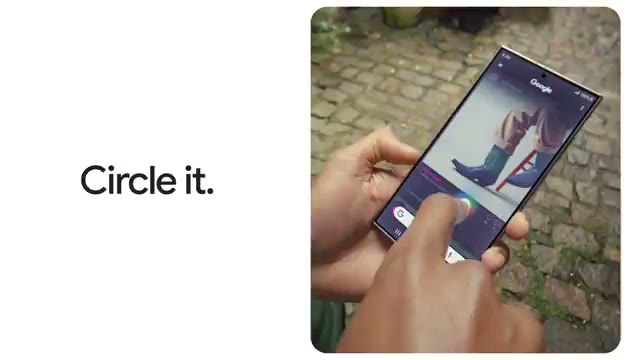
Circle the object where it appears
A hand traces the shape on the phone screen. The search result occupies the lower portion of the display while the original image remains above.
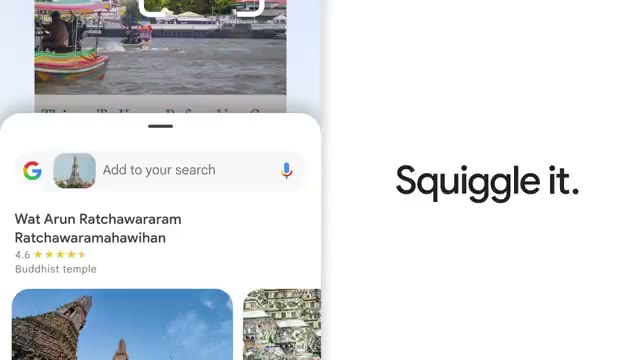
Change the gesture and the question
A new example uses a loose squiggle. The film alternates close views of the actual results with people using the phone, then types a follow-up into the search field.
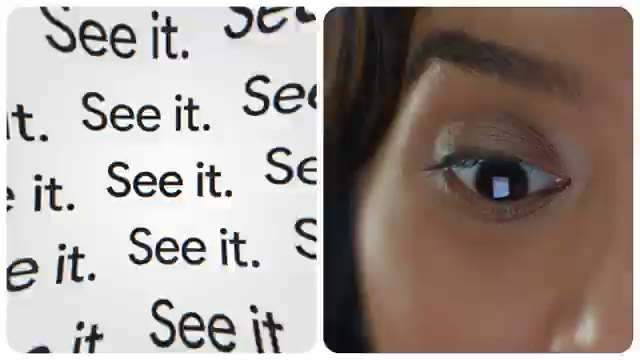
Search for something hard to name
The camera moves from a tabletop to faces and an extreme close-up of an eye. A repeated two-word title sets up the value of selecting something by sight.

Return to what the person was doing
The phone examples fold back into ordinary scenes. The final white field drops the people and interface, leaving the Google mark.
About the film
Google builds the spot around an action people can copy with one finger. The circle becomes a tap, a scribble and a follow-up question without leaving the original app.
Use this scene in a briefFilm details
- Published
- January 17, 2024
- Running time
- 1:01
- Format
- Launch film
- Industry
- Search
Sound
- Music
- Track A vocal music track sets the pace while short written commands explain the gestures. The edit switches between hands, search results and the people holding the phones.


