

- Post views
- 50,047,244

Apple Vision Pro Reveal

Scene breakdown
6 scenes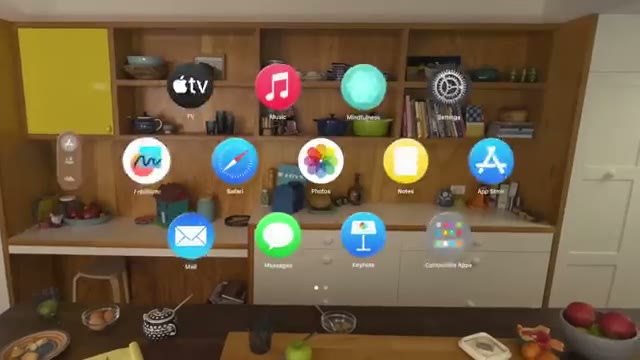
Put the audience on the other side of the glass
A person raises the headset, then the kitchen reappears from their point of view with app icons floating in the room. The first cut explains what the product changes.
Give ordinary windows physical space
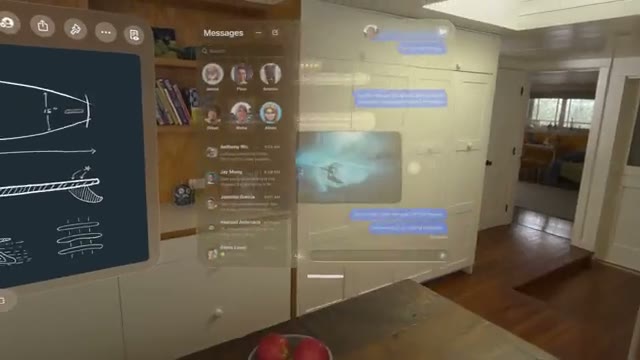
Several full-size windows hover around the kitchen. Switching between a view from outside and the person’s own view makes the placement of the windows legible.

Grow a screen large enough to fill a wall
A seated viewer looks toward a film. The room darkens and the image expands, then an exterior view brings the physical headset back into the shot.

Move the headset between home and plane
A child comes into view at home before a passenger wears the headset in an airplane seat. A close-up of the dial links her small gesture to a change in the surroundings.
Fill a room with familiar faces
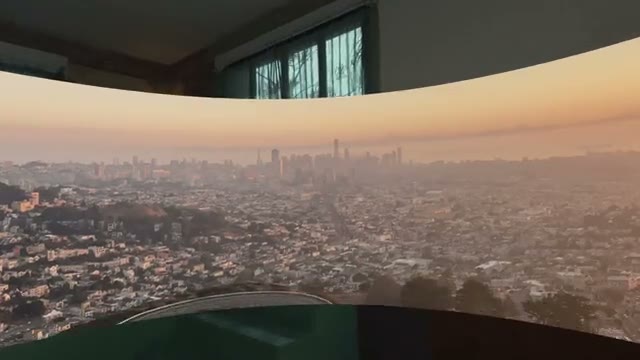
A grid of personal images spreads into a curved panorama. A wide view places the wearer inside it before the name appears over the image.
Repeat the gesture in a faster cut
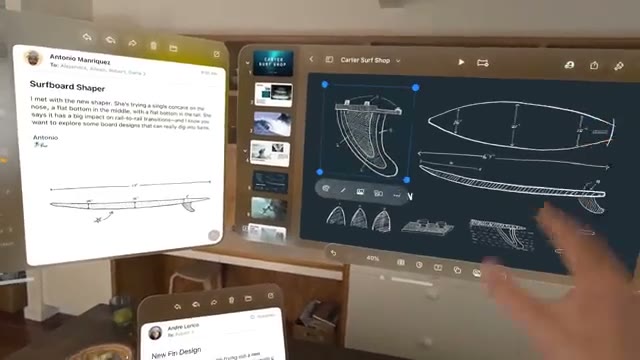
The closing shots revisit fingers, floating windows and a family scene. The Apple mark on black follows the last glimpse of the world inside the headset.
About the film
Apple alternates between a person wearing Vision Pro and the view inside it. A tap between finger and thumb links the two perspectives, making an unfamiliar interface understandable before the larger entertainment scenes arrive.
Use this film in a briefFilm details
- Published
- June 5, 2023
- Running time
- 1:30
- Format
- Hardware reveal
- Industry
- Consumer electronics
- Credits
- Published by Tim Cook
Sound
- Sound design
- Hand gestures and eye movement carry most of the explanation on screen.
Voiceover
- A sung refrain threads through the changes of location. Movie dialogue and snippets of conversation appear inside the demonstrations.


