

- Post views
- 1,616,793

Introducing Claude for Chrome
Scene breakdown
4 scenes
Announce the research preview
A single line on cream sets the release status. A hand-drawn monitor and oversized pointer replace the type.
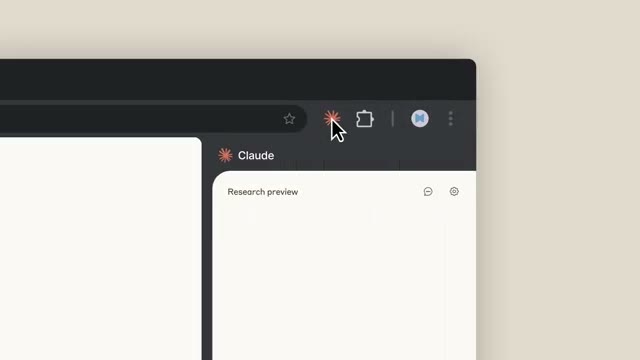
Open Claude in the toolbar
The drawing becomes a Chrome window. The pointer crosses the toolbar and opens a panel on the right. The film zooms in until its prompt is readable.

Keep the sidebar in place
A launch page gives way to a map, a document, recipe results and a form. Each cut changes the work on the left while Claude stays on the right.
Meet your thinking partner
The interface clears to a line inviting the viewer to meet Claude on any tab. The research-preview label sits above it, followed by the Claude mark.
About the film
A line drawing becomes a browser window. A single click opens Claude, then a short run of real browser tasks keeps the assistant in the same spot while the sites change.
Use this scene in a briefFilm details
- Published
- August 26, 2025
- Running time
- 0:32
- Format
- Product launch
- Industry
- Artificial intelligence
Sound
- Music
- Track A keyboard-led instrumental runs from the opening card through the browser examples. The rounded synth tones give way to lighter, struck notes as the websites change.
- Cut timing The toolbar click gets several seconds. Once the panel is established, whole websites change in a single cut.
Voiceover
- The main copy is delivered on screen. Read the preview announcement, browser headline and final invitation in sequence.